 USD ($)
 INR (₹)
 SAR (SAR)
 AED (AED)

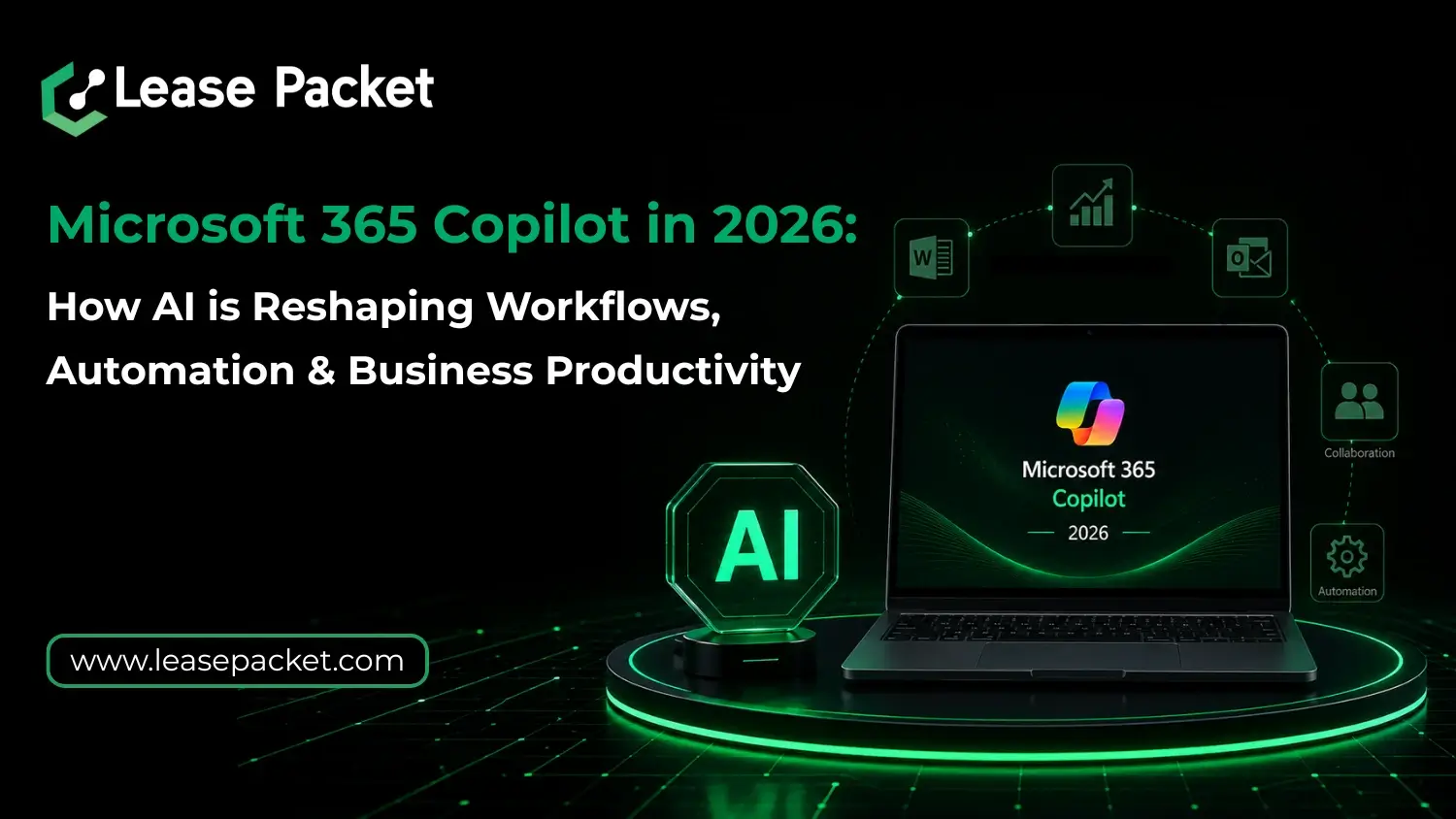
Work today is less about effort and more about how efficiently information moves across your team. Documents, emails, meetings, and everything are already digital – but what matters now is how you turn all of that into clear output without delays. Microsoft 365, as you know, is a leading suite of multiple productivity applications to make communication, file sharing, meetings, and data creation smoother & smarter. The suite now comes with a very intelligent assistant called Copilot. Built into the core of Microsoft 365, Copilot brings AI directly into the tools you already use to help you write, analyze, and summarize with far less manual effort. It improves your existing workflow functions, making productivity even more consistent. Let’s learn more about how Microsoft 365 Copilot can actually help your business.
Table of Contents
What is Microsoft 365 Copilot & Why It Matters in 2026
Microsoft 365 Copilot is an AI layer built directly into tools you already know – Word, Excel, Outlook, Teams, and PowerPoint. You now don’t need to switch between tools or manually build content, but guide AI to do it for you – better, faster. It basically is a modern upgrade. Of course, the biggest advantage is context. Copilot works across your emails, files, chats, and meetings, so its outputs are not generic. They are aligned with your actual work environment.
How Microsoft 365 AI is Transforming Daily Workflows
The impact of Microsoft 365 Copilot becomes clear when you look at everyday tasks:
- Writing emails from bullet points in Outlook
- Turning meeting discussions into structured summaries in Teams
- Creating full presentations from simple prompts in PowerPoint
- Analyzing large datasets instantly in Excel
- Drafting documents with structured clarity in Word
Obviously, this is not just automation. It’s assisted thinking. You still guide the outcome, but the execution becomes significantly faster. For businesses looking to scale productivity without increasing team size, this shift matters more than any traditional software upgrade.
Microsoft 365 Plans + Copilot: What You Should Know
To use Microsoft 365 Copilot, you need the right Microsoft 365 plans. Copilot is typically available as an add-on for business and enterprise subscriptions. This is how it is:
- Microsoft 365 Business Standard / Premium
- Microsoft 365 E3 / E5 plans
- Copilot add-on license
The key is not just buying a plan, but choosing the right Microsoft 365 license based on how your team works – communication-heavy, data-heavy, or content-driven. And this is where many businesses get confused. Experienced and official Microsoft 365 license provider, Lease Packet helps you make the right decision without overspending or underutilizing features.
Automation Without Complexity: The Real Benefit of Microsoft 365 Copilot
You don’t need a technical team to implement Microsoft 365 AI. Copilot sits inside familiar tools. So adoption is faster, and resistance from teams is lower. Of course, the biggest gain comes from consistency. Reports follow structure, emails become clearer, and internal communication improves without extra effort. Over time, this leads to better decision-making – not because you added more tools, but because your existing tools started working smarter.
Microsoft 365 Copilot for Business Productivity
Ain’t these three areas the most when it comes to business productivity?
- Time saved
- Output quality
- Decision speed
And Microsoft 365 Copilot directly improves all three.
- Faster content creation
- Better data insights
- Reduced manual errors
- Improved collaboration across teams
This is why companies are now prioritizing AI integration as part of their core IT strategy – not as an experiment, but as a necessity. Today, AI indeed has become a necessity.
Should You Buy Microsoft 365 with Copilot in 2026?
If your team works on emails, documents, spreadsheets, or meetings daily – yes, you must. In fact, you kinda need it to stay in the business today because everybody else is using it already. Moreover, how you buy it also matters. Getting the wrong Microsoft 365 plans or mismanaging licenses can lead to unnecessary costs. And since Copilot is an add-on, correct configuration matters even more. Lease Packet helps you buy Microsoft 365, manage licenses, and deploy Copilot in a way that actually improves your workflow.
Why Businesses Prefer Lease Packet for Microsoft 365
When you are investing in Microsoft 365 Copilot, you must ensure everything falls into place. Lease Packet helps you:
- Choose the right Microsoft 365 plan for your business
- Get optimized Microsoft 365 license pricing
- Enable Copilot based on your use case
- Ensure smooth onboarding and setup
- Provide ongoing support
Bottom Line
Microsoft 365 Copilot is a practical upgrade to how your business gets work done. It reduces time spent on repetitive tasks, improves consistency across outputs, and helps your team focus more on decisions rather than execution. That’s where real productivity gains come from. As Microsoft continues integrating AI deeper into Microsoft 365, this shift is becoming necessary. Also, the key is getting the right plan from the right place. Lease Packet is a reputable Microsoft 365 license provider, connect today for quotes and queries. Special offers and added benefits are also available.
FAQs
Is Microsoft 365 Copilot included in all plans?
No, Copilot is usually an add-on and requires specific Microsoft 365 business or enterprise plans.
Do you need technical expertise to use Microsoft 365 AI?
No, Copilot is built into familiar tools like Word, Excel, and Outlook, making it easy to adopt.
Where can I buy Microsoft 365 with Copilot?
You can get it through Microsoft 365 providers like Lease Packet, who help with licensing, setup, and support.