USD ($)
 INR (₹)
 SAR (SAR)
 AED (AED)

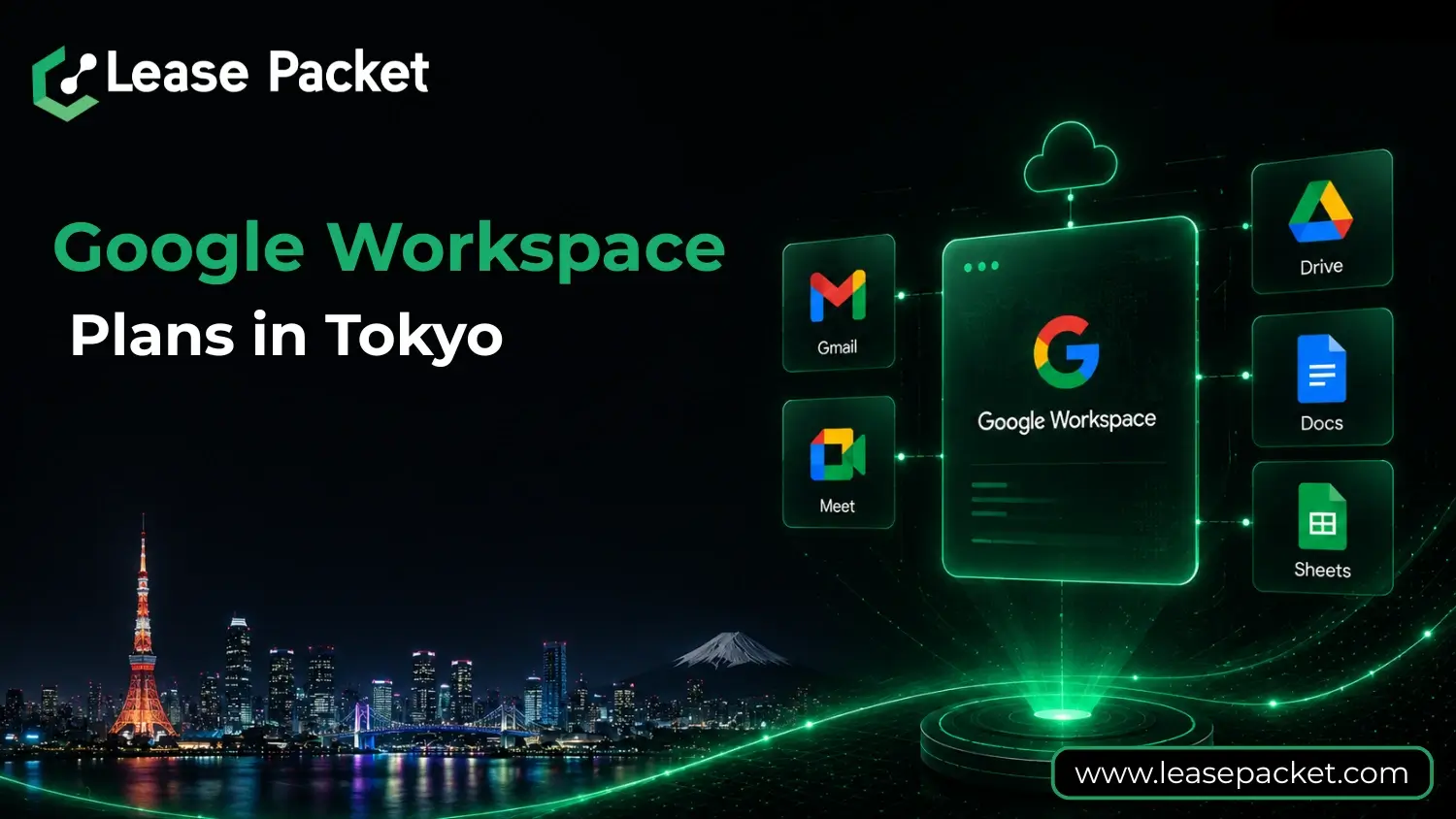
Tokyo is one of the world’s most vibrant business hubs, home to multinational corporations, innovative startups, and thriving SMEs. In a fast-paced city like this, efficiency, collaboration, and security are essential for business success. Google Workspace has emerged as a leading choice for companies in Tokyo, offering a unified platform that integrates communication, storage, collaboration, and productivity tools.
This blog will guide you through Google Workspace plans in Tokyo, their features, benefits, and how to select the right plan for your organization. Whether you are a startup founder, SME owner, or a large enterprise executive, you will find actionable insights to make an informed choice.
Table of Contents
Why Tokyo Businesses Need Google Workspace
The Tokyo business environment is competitive and fast-moving. Teams often work across different locations and time zones, and companies handle large amounts of sensitive data. Google Workspace helps businesses in Tokyo address these challenges by providing:
- Unified Communication: Gmail, Google Meet, and Chat ensure seamless communication across teams.
- Collaboration Tools: Docs, Sheets, and Slides allow multiple team members to work on the same file simultaneously.
- Cloud Storage: Google Drive provides secure, easily accessible storage for all business documents.
- Security and Compliance: Advanced security features protect sensitive information and help meet regulatory requirements.
With Workspace, Tokyo businesses can increase efficiency, reduce administrative overhead, and focus on growth.
What is Google Workspace?
Google Workspace is a cloud-based suite of productivity and collaboration tools designed for modern businesses.
It includes:
- Gmail: Professional email with your business domain.
- Google Drive: Secure cloud storage for documents, spreadsheets, and multimedia files.
- Google Meet: Video conferencing for team meetings and client calls.
- Google Chat: Instant messaging for teams.
- Docs, Sheets, Slides: Collaborative tools for creating, editing, and sharing content.
- Google Calendar: Scheduling, reminders, and shared calendars.
- Admin Console: Centralized control for managing users, permissions, and security settings.
Workspace enables teams to work more efficiently while keeping sensitive data secure and easily manageable.
Google Workspace Plans in Tokyo
Google Workspace provides plans suitable for businesses of all sizes. Each plan includes a combination of productivity tools, storage, security, and administrative features.
1. Business Starter
- Storage: 30 GB per user
- Meetings: Up to 100 participants
- Security: Basic admin controls and standard endpoint management
- Best For: Startups, small teams, or individual entrepreneurs who need professional email and essential collaboration tools
2. Business Standard
- Storage: 2 TB per user
- Meetings: Up to 150 participants, includes recording
- Additional Features: Shared drives, Cloud Search for fast information access
- Security: Standard admin controls
- Best For: Growing businesses requiring more storage and advanced collaboration
3. Business Plus
- Storage: 5 TB per user
- Meetings: Up to 500 participants with attendance tracking
- Security: Enhanced admin controls, Vault for archiving, advanced endpoint management
- Additional Features: Smart search and eDiscovery for emails, chats, and files
- Best For: Mid-sized companies handling sensitive data or requiring compliance features
4. Enterprise Plan
- Storage: Unlimited
- Meetings: Up to 1,000 participants
- Security: Enterprise-grade admin controls, Vault, backup options for Gmail and Drive
- Additional Features: Advanced auditing, data loss prevention
- Best For: Large corporations or enterprises needing complete scalability and high-level security
5. Frontline Plans
Designed for deskless or field employees:
- Frontline Starter & Standard: Support up to 300 accounts, 30 GB per user, Google Meet up to 100 participants, Vault for eDiscovery, enterprise-level endpoint management
- Best For: Retail, healthcare, logistics, and field operations requiring secure access on the go
How to Choose the Right Google Workspace Plan in Tokyo
Selecting the right plan requires understanding your team size, storage needs, and security requirements.
- Team Size
- Small teams: Business Starter or Standard
- Medium to large teams: Business Plus or Enterprise
- Field-based staff: Frontline Starter or Standard
- Storage Needs
- Light file usage: 30 GB per user
- Moderate usage: 2 TB per user
- Heavy usage: 5 TB or unlimited
- Security Requirements
- Sensitive data: Business Plus or Enterprise for Vault, advanced admin controls, and endpoint management
- Budget and Growth
- Choose a plan that accommodates your current needs and allows for growth without disruption
- Work Style
- Remote or hybrid teams: Standard or Plus
- Field teams: Frontline Plans
Benefits of Google Workspace for Tokyo Companies
1.Work from Anywhere
Teams can access emails, documents, and meetings from the office, home, or while traveling.
2. Real-Time Collaboration
Multiple employees can work on the same document simultaneously, reducing version conflicts.
3. Strong Security and Compliance
Workspace includes encryption, admin controls, and Vault for archiving, ensuring sensitive data is protected.
4. Cost-Effective Cloud Solution
No servers or IT maintenance required. Everything is cloud-based, reducing overhead.
5. Integrated Productivity Suite
Gmail, Docs, Sheets, Slides, Meet, and Calendar work together seamlessly for smooth workflows.
6. Scalable Plans
Easily add users, increase storage, or upgrade plans as your business grows.
7. AI-Powered Features
Google’s AI provides smart suggestions, grammar corrections, and workflow insights, helping teams save time.
8. Centralized Admin Management
Admins can manage users, set security policies, and monitor activity from one console.
How to Subscribe to Google Workspace in Tokyo
Step 1: Select a Reseller or Sign Up Directly
Purchase directly from Google or a certified reseller like Lease Packet, which offers local support, setup assistance, and discounts.
Step 2: Choose the Right Plan
Assess your team size, storage requirements, and security needs.
Step 3: Set Up Your Domain
Connect your business domain for professional Gmail addresses.
Step 4: Data Migration
Migrate emails, contacts, and files from your previous system with support from your reseller.
Step 5: Onboard Your Team
Train employees to use Workspace tools efficiently for smooth adoption and productivity.
Why Partner with Lease Packet
- Local Support in JPY: Billing in Japanese Yen with local assistance
- Expert Guidance: Help with setup, migration, and plan selection
- Plan Recommendations: Tailored advice for businesses of all sizes
- Integration Assistance: Connect Workspace with existing business tools
- Data Security Assurance: Ensures compliance with local regulations and industry standards
Supporting Remote and Hybrid Work in Tokyo
Remote and hybrid work is becoming standard in Tokyo. Google Workspace enables teams to:
- Conduct virtual meetings with Google Meet
- Collaborate in real-time on Docs, Sheets, and Slides
- Communicate instantly with Chat
- Access all tools on desktops and mobile devices
Workspace keeps teams connected, productive, and secure regardless of location.
Google Workspace Across Tokyo’s Key Industries
1. Startups and Tech Companies
Workspace supports agile development, collaborative projects, and rapid innovation.
2. Education
Schools and universities leverage Workspace for online learning, assignments, and communication.
3. Healthcare
Hospitals and clinics manage patient records securely and collaborate across teams efficiently.
4. Finance and Consulting
Financial institutions use Workspace for secure storage, compliance, and auditing purposes.
5. Retail and Logistics
Frontline employees access Gmail, Drive, and Meet to manage inventory, deliveries, and real-time communication.
The Future of Business Productivity in Tokyo
Cloud adoption and digital transformation are accelerating across Japan. Google Workspace enables companies to:
- Cut costs with cloud-based solutions
- Improve collaboration and productivity
- Secure sensitive data
- Scale operations with ease
From startups to multinational corporations, Workspace is revolutionizing the way businesses work in Tokyo.
Conclusion
Google Workspace is more than just a suite of tools – it’s a complete digital office. Businesses in Tokyo can benefit from its collaboration features, cloud storage, advanced security, and flexible plans.
Choosing the right plan and working with a trusted reseller like Lease Packet ensures smooth setup, compliance, and maximum efficiency. With Google Workspace, Tokyo businesses can work smarter, communicate better, and grow faster, whether they are small startups or large multinational corporations.