USD ($)
 INR (₹)
 SAR (SAR)
 AED (AED)

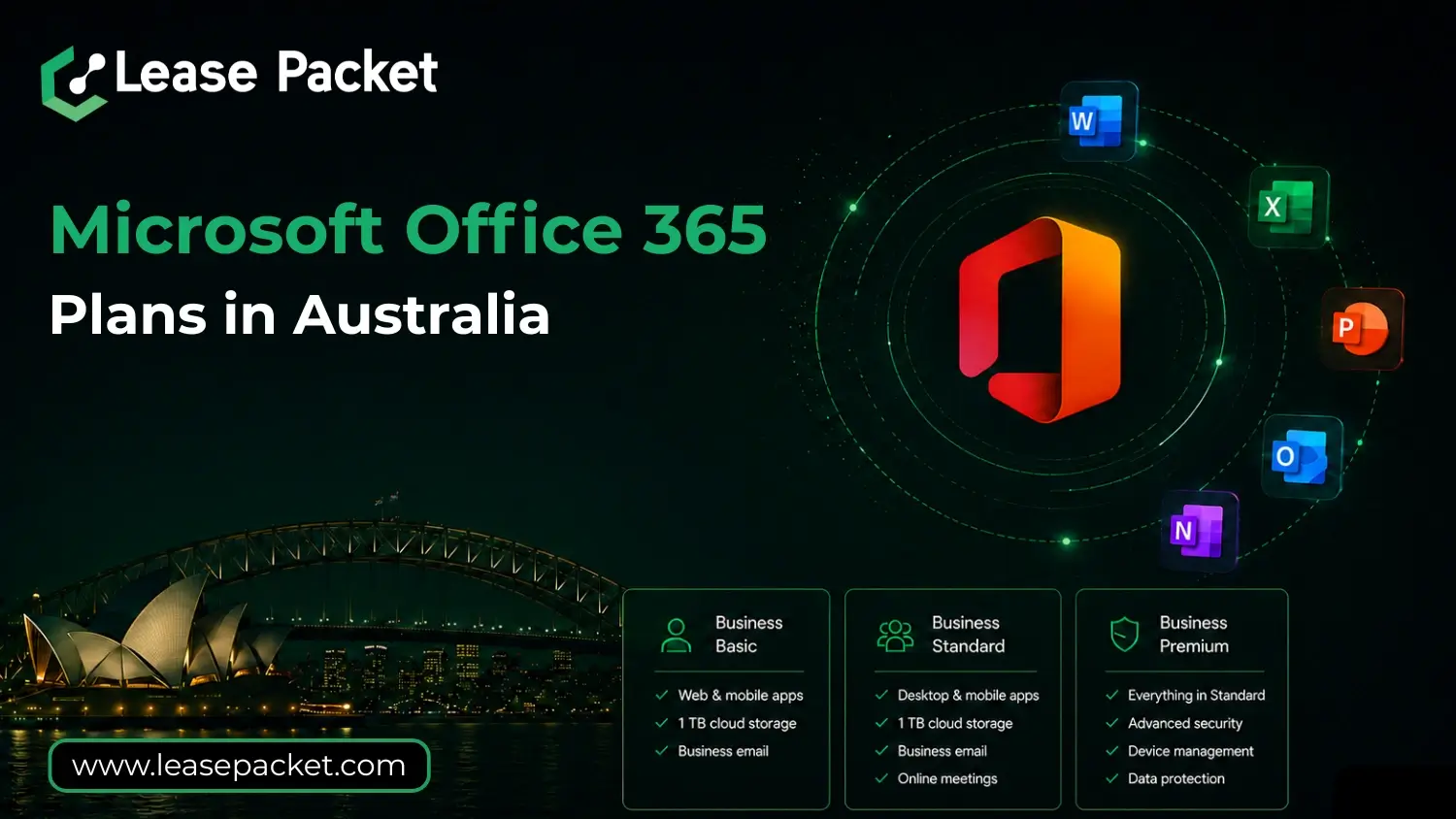
Microsoft Office 365 has become the backbone of modern workplaces worldwide. In Australia, from small startups to large enterprises, businesses are moving to Office 365 to simplify operations, boost collaboration, and strengthen data security.
But with multiple plans available, many businesses are often unsure which one is the right fit. Should you go for Business Basic if you’re a small team? Or is Business Premium the smarter choice for advanced security?
This blog will walk you through everything you need to know about Microsoft Office 365 Plans in Australia—the available options, what each plan offers, why businesses in Australia should consider them, and how to choose the one that best fits your needs.
Table of Contents
Why Microsoft Office 365 is Popular in Australia
The Australian business landscape is highly competitive and fast-changing. Companies here need tools that help them stay productive and efficient, no matter where they work from. Office 365 is trusted by businesses across Sydney, Melbourne, Brisbane, Perth, and beyond because it delivers three key things:
- Flexibility – Employees can work from the office, home, or even while traveling.
- Collaboration – Teams can share files, chat, and meet online easily.
- Security – Microsoft invests heavily in protecting sensitive business data.
For Australian businesses, Office 365 is not just software—it’s an ecosystem that supports growth, innovation, and long-term success.
Available Microsoft Office 365 Plans in Australia
Microsoft offers a range of plans under its Office 365 suite. Each plan is designed to meet specific needs, whether you’re a small business, a mid-sized company, or a large organization. Let’s look at them one by one.
Office 365 Business Basic
- Mailbox: 50 GB per user
- Applications Included: Web and mobile versions of Word, Excel, PowerPoint, and Outlook
- Cloud Storage: 1 TB per user via OneDrive
- Email Service: Business-class email
- Collaboration Tools: Microsoft Teams, SharePoint, Exchange
- Publisher & Access (PC only): Not included
- Advanced Security: Standard security features
- Support: 24/7 phone and web support
Who should choose this plan?
This plan is perfect for startups, freelancers, or small businesses in Australia that want professional email, online apps, and cloud storage without the higher cost of desktop apps.
Office 365 Business Standard
- Mailbox: 50 GB per user
- Applications Included: Full desktop versions of Word, Excel, PowerPoint, Outlook
- Cloud Storage: 1 TB per user via OneDrive
- Email Service: Business-class email
- Collaboration Tools: Microsoft Teams, SharePoint, Exchange
- Publisher & Access (PC only): Included
- Advanced Security: Standard security features
- Support: 24/7 phone and web support
Who should choose this plan?
Small and mid-sized businesses that need the desktop version of Office apps along with cloud and email features will find Business Standard a balanced choice.
Office 365 Business Premium
- Mailbox: 50 GB per user
- Applications Included: All desktop and mobile Office apps
- Cloud Storage: 1 TB per user via OneDrive
- Email Service: Business-class email
- Collaboration Tools: Microsoft Teams, SharePoint, Exchange
- Publisher & Access (PC only): Included
- Advanced Security: Device management (Intune), data protection, cyberthreat security
- Support: 24/7 phone and web support
Who should choose this plan?
Businesses that deal with sensitive client data, financial records, or require extra layers of protection should go for Business Premium. It’s highly recommended for legal firms, healthcare providers, IT companies, and government contractors in Australia.
Office 365 Apps for Business
- Mailbox: Not included
- Applications Included: Desktop versions of Word, Excel, PowerPoint, Outlook, Publisher, Access (PC only)
- Cloud Storage: 1 TB per user via OneDrive
- Email Service: Not included
- Collaboration Tools: Limited (no Teams or Exchange)
- Advanced Security: Standard features only
- Support: 24/7 phone and web support
Who should choose this plan?
If your business already uses another email service but still wants Microsoft apps with cloud storage, this plan makes sense. It is great for creative agencies, design studios, and education providers who mainly need the Office suite.
Key Benefits of Microsoft Office 365 for Australian Businesses
Here’s why thousands of companies across Australia prefer Office 365 over other tools:
- Access from Anywhere: Employees in Sydney, Melbourne, or even remote towns can access files and apps online. All they need is an internet connection.
- Collaboration Made Easy: Microsoft Teams allows video meetings, file sharing, and group chats, making teamwork seamless even if employees work from different cities.
- Cost-Effective Solutions: You pay per user, per month. This makes it affordable for startups and scalable for large companies.
- Strong Security: Australia has strict data regulations. Office 365 ensures compliance and provides advanced security features like threat protection and encryption.
- Always Updated: No need to buy new versions. Updates happen automatically, keeping you ahead with the latest features.
How to Select the Right Office 365 Plan in Australia
Choosing a plan depends on your company’s size, industry, and day-to-day needs. Here are some tips to help:
- Evaluate Your Needs: Do you need desktop apps, or are web versions enough? Do you need advanced security? Start by mapping your requirements.
- Think About Growth: Pick a plan that can scale as your team grows. Many Australian startups prefer Business Standard initially, then upgrade to Business Premium later.
- Budget Wisely: While Business Premium costs more, it saves money in the long run by reducing risks of cyber threats.
- Get Expert Advice: Sometimes talking to an IT consultant or reseller can help you make the right decision quickly.
Why Businesses in Australia Prefer Office 365 Over Alternatives
- Google Workspace vs Office 365: While Google Workspace is good for startups, Office 365 offers more powerful desktop apps that many Australian professionals are already familiar with.
- Local Support: Microsoft has strong support channels in Australia, ensuring downtime is minimized.
- Industry Compliance: Many industries in Australia—like finance, healthcare, and government—trust Office 365 for meeting compliance standards.
FAQs
Which Office 365 plan is best for startups in Australia?
Business Basic is affordable and offers essential tools like email, Teams, and cloud storage. Startups often choose this plan.
Do Australian businesses need Business Premium?
Yes, especially if your business handles sensitive data or requires advanced security. It’s highly recommended for regulated industries.
Can I upgrade from Business Standard to Business Premium later?
Absolutely. Microsoft makes it simple to upgrade as your business grows.
Is Office 365 secure enough for Australian data regulations?
Yes. Office 365 complies with Australian standards and offers enterprise-grade security to protect your business data.
Final Thoughts
Microsoft Office 365 is more than just Word and Excel. For Australian businesses, it’s a complete productivity and collaboration suite. The key is choosing the right plan that balances cost, features, and security.
Whether you’re a startup in Melbourne, a growing company in Sydney, or a large enterprise in Perth, there’s an Office 365 plan that’s built for you. Investing in the right plan ensures your team stays productive, your data remains secure, and your business is ready for the future.