 USD ($)
 INR (₹)
 SAR (SAR)
 AED (AED)
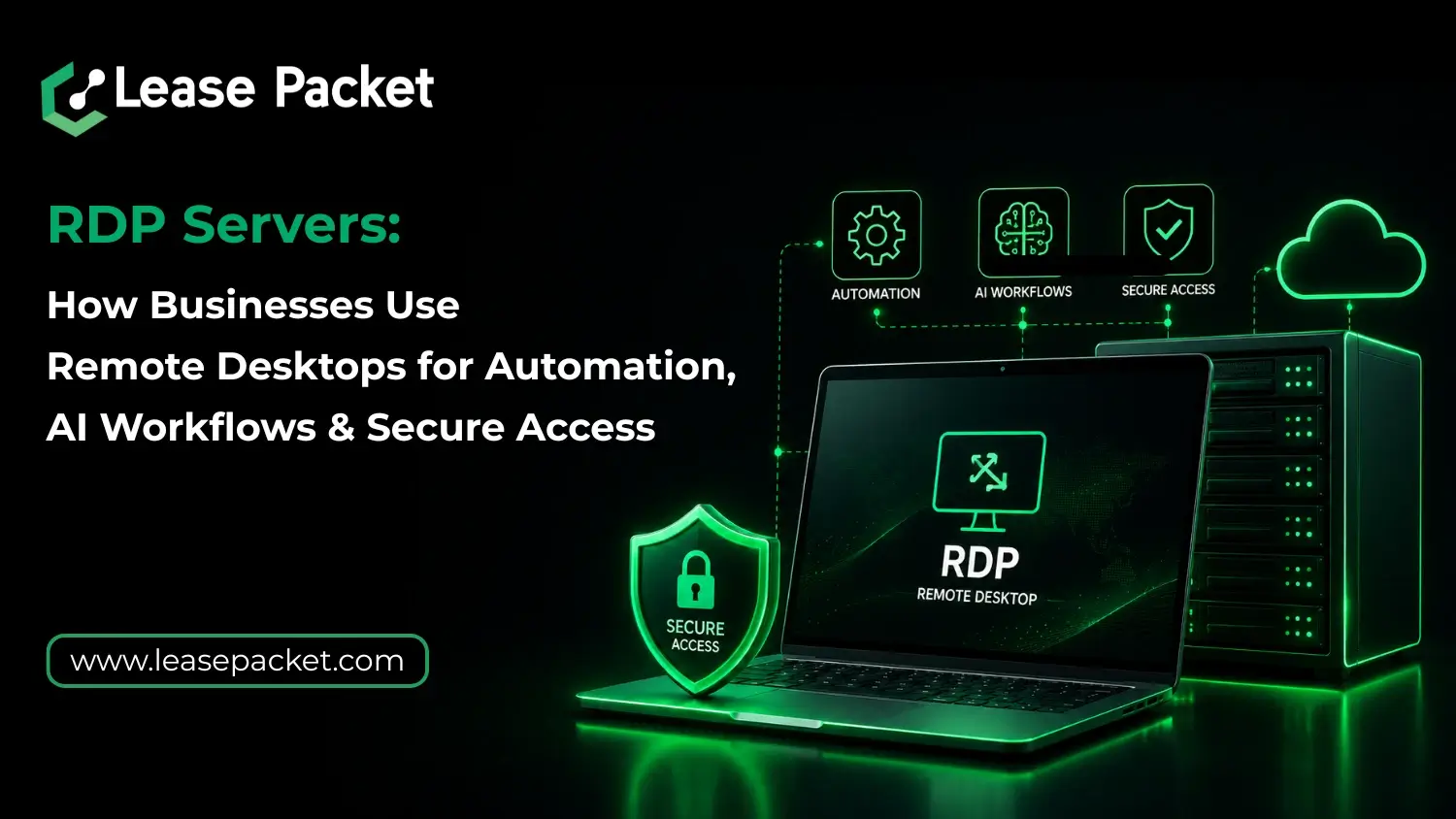
You must have caught that your infrastructure either supports workflows or quietly slows them down. When you start running AI tasks or automation, even small inefficiencies can turn into real bottlenecks. RDP servers solve this by providing a stable, centralized environment where everything runs consistently – without relying on individual systems. With a growing share of business workloads now executed remotely or in the cloud, having reliable remote desktop access is a practical necessity. Let’s learn more about how you should use RDP servers for your AI workflows.
Table of Contents
What are RDP Servers & Why Businesses Still Rely on Them
RDP servers allow you to access a remote computer or server environment from anywhere, as if you are physically using it. You don’t depend on your local system, but you operate on a powerful remote machine hosted in a data center. This means better speed, stability, and centralized control. For businesses, this solves multiple problems at once. You get a dedicated environment for running applications, securely storing data, and managing workflows without relying on individual employees’ devices. And of course, it simplifies remote work without compromising performance.
How RDP Servers Power Automation Workflows
Automation is no longer optional nowadays, and you know that. From running scripts to bots, you need a system that stays online and performs consistently. RDP servers provide exactly that. You can deploy automation tools, run cron jobs, manage scraping tools, or execute repetitive workflows without interruptions. Since the server runs 24*7, your automation doesn’t depend on your personal system staying active. This is where many businesses choose to buy RDP servers from providers like Lease Packet, because reliability directly affects output. If your automation fails, your operations slow down. It’s that simple. So, you can’t afford to let that happen in the first place.
Using RDP for AI Workloads & Data Processing
AI workflows require stable environments, especially when you are dealing with data processing, model testing, or running lightweight AI tools. While heavy AI training may require specialized infrastructure, many day-to-day AI tasks can run efficiently on high-performance RDP servers. You can use RDP servers for:
- Running AI tools and scripts
- Data labeling and preprocessing
- Testing automation with AI integrations
- Managing API-based AI workflows
Obviously, the advantage here is consistency. You are not limited by your laptop’s performance or interruptions. Everything runs in a controlled environment designed for continuous usage.
Secure Remote Access Without Complications
Security is one of the main reasons businesses still prefer RDP setups. Rather than sharing files across multiple devices, everything stays within a centralized server. RDP servers come with:
- Encrypted connections
- Access control settings
- Dedicated IP environments
- Isolated workspaces
This makes them suitable for handling sensitive data, client operations, and internal tools. Of course, when configured properly, RDP can significantly reduce the risk of data exposure compared to scattered local systems.
Why Businesses Prefer Dedicated RDP Servers Over Alternatives
There are multiple ways to run remote workloads – cloud desktops, VPS, or shared hosting – but RDP servers offer a balance between control and simplicity. This is why they stand out:
- Full desktop environment (not limited like shared hosting)
- Better control than browser-based cloud tools
- Cost-effective compared to high-end cloud infrastructure
- Easy setup for teams and individuals
When you buy RDP servers, you are essentially getting a ready-to-use remote workstation that fits into your workflow without requiring complex configurations. It’s actually like a huge relief system.
Key Use Cases That are Growing in 2026
RDP usage is evolving with business needs. It’s not just about remote access anymore. Some growing use cases include:
- Running marketing automation tools
- Managing multiple accounts securely
- Executing trading or monitoring tools
- Hosting lightweight AI workflows
- Remote team collaboration environments
Obviously, the flexibility is what makes RDP relevant across industries. Whether you are a freelancer, agency, or scaling startup, the use cases keep expanding.
What to Look for Before You Buy RDP Servers
The performance and reliability depend heavily on the provider. You must focus on:
- Uptime and server stability
- Speed and resource allocation (CPU, RAM, SSD)
- Security configurations
- Location of data centers
- Support availability
Lease Packet offers optimized RDP solutions for automation, AI workflows, or secure remote access. Lease Packet’s servers are built for today and tomorrow.
Bottom Line
RDP servers are not outdated, but they have evolved into something even bigger – an infrastructure for modern workloads. When your work depends on consistent performance, having a stable remote environment becomes essential. You can’t hassle with multiple systems all the time; an RDP server gives you one place to run everything efficiently. So, if you are planning to work without interruptions, connect with Lease Packet for business-ready RDP servers built for performance. Custom plans and offers available!
FAQs
What are RDP servers mainly used for?
RDP servers are used for remote access, automation tasks, running applications, and managing workflows from a centralized system.
Can RDP servers handle AI workloads?
Of course, they can handle lightweight AI tasks like data processing, testing, and API-based workflows.
Is it safe to use RDP servers for business operations?
Yes, with proper configuration, RDP servers provide secure, encrypted environments suitable for business use.
Why should I buy RDP servers instead of using my local system?
RDP servers offer better uptime, performance, and remote accessibility, making them more reliable for continuous tasks. Connect with Lease Packet to learn more about them.