USD ($)
 INR (₹)
 SAR (SAR)
 AED (AED)

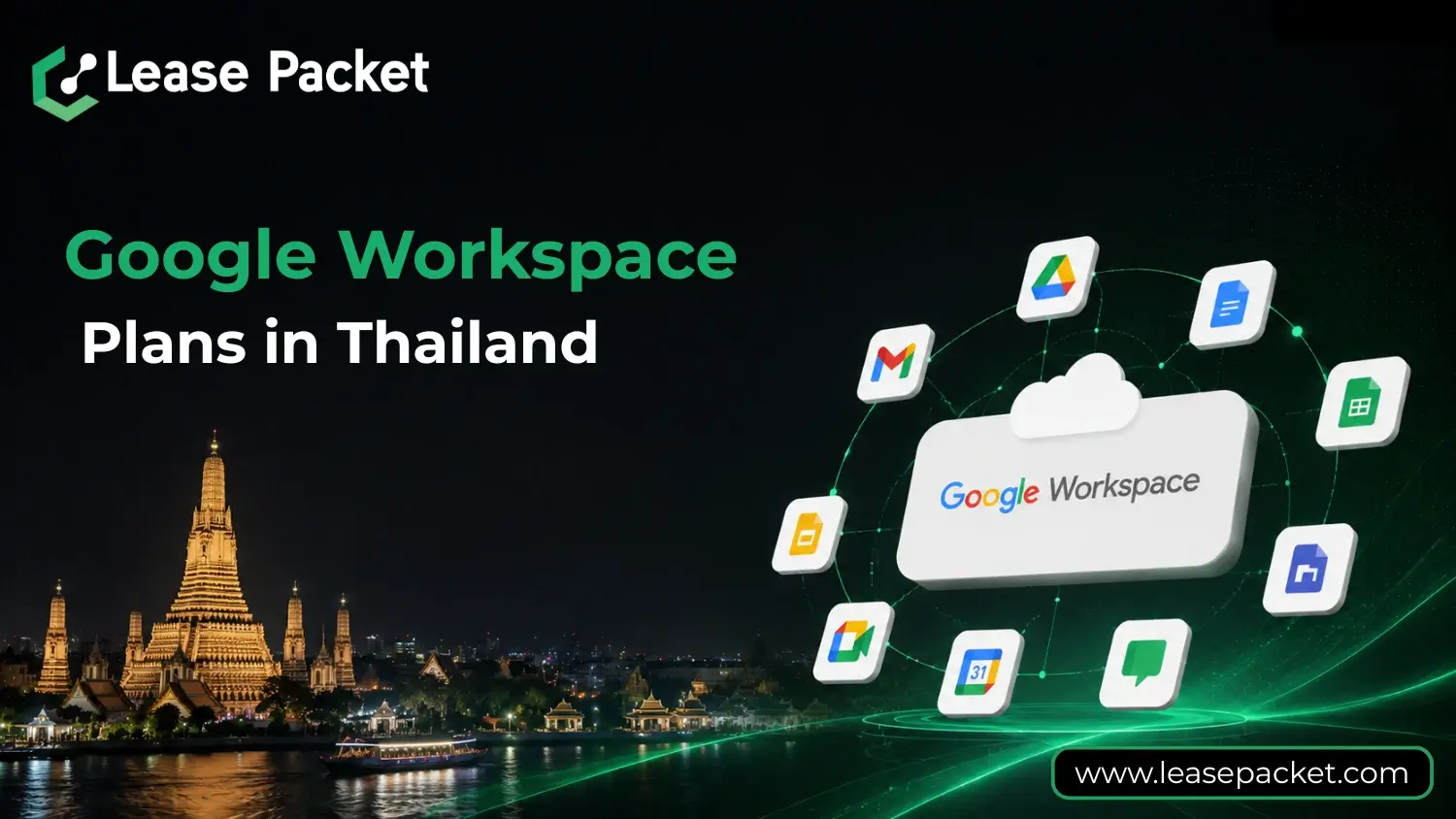
Thailand’s business landscape is rapidly evolving. From startups in Bangkok to large corporations across Chiang Mai and Phuket, companies are searching for tools that improve efficiency, enhance collaboration, and ensure data security. Google Workspace has become the go-to solution for Thai businesses because it combines all the essential tools under one platform.
Whether you’re a small entrepreneur, a growing SME, or an established enterprise, Google Workspace helps your team communicate effectively, manage projects seamlessly, and stay secure in the cloud. In this blog, we’ll explore everything you need to know about Google Workspace plans in Thailand, including detailed comparisons, benefits, and step-by-step guidance to choose the right plan for your business.
Table of Contents
Why Thai Businesses Need Google Workspace
In Thailand, businesses face a unique set of challenges – multiple offices, remote teams, and increasing regulatory requirements for data security. Google Workspace addresses these needs by providing:
- Seamless Communication: Gmail, Google Meet, and Chat keep teams connected regardless of location.
- Collaborative Tools: Docs, Sheets, and Slides allow multiple users to work on the same file simultaneously.
- Secure Cloud Storage: Google Drive ensures that files are backed up, encrypted, and easily accessible.
- Regulatory Compliance: Workspace is GDPR-ready and meets global security standards, protecting sensitive business data.
By integrating all these features in a single platform, Thai businesses can reduce overhead, simplify workflows, and increase productivity.
What is Google Workspace?
Google Workspace is more than just a collection of apps. It’s a complete cloud-based productivity suite designed for modern businesses.
It includes:
- Gmail: Professional email with your business domain.
- Drive: Secure cloud storage for all files.
- Meet: Video conferencing for teams, clients, and remote workers.
- Chat: Real-time messaging for teams.
- Docs, Sheets, Slides: Collaborative tools for creating and editing documents together.
- Calendar: Scheduling and reminders for teams.
- Admin Console: Centralized management of users, permissions, and security policies.
Workspace is designed to help businesses work efficiently while keeping data secure and easily manageable.
Google Workspace Plans Available in Thailand
Google Workspace offers flexible plans tailored for different business needs. Each plan provides a combination of tools, storage, security, and administrative control. Here’s a detailed breakdown:
1. Business Starter
- Storage: 30 GB per user
- Video Meetings: Up to 100 participants
- Security: Basic admin controls and standard endpoint management
- Best For: Freelancers, solo entrepreneurs, and very small teams looking for professional email and basic collaboration tools
2. Business Standard
- Storage: 2 TB per user
- Video Meetings: Up to 150 participants, including recording
- Additional Features: Shared drives, Cloud Search
- Security: Standard admin controls
- Best For: Growing businesses that need more storage and advanced collaboration options
3. Business Plus
- Storage: 5 TB per user
- Video Meetings: Up to 500 participants
- Security: Enhanced admin controls, Vault for archiving, advanced endpoint management
- Additional Features: Smart search and eDiscovery for emails and files
- Best For: Mid-sized businesses handling sensitive information or requiring compliance features
4. Enterprise Plan
- Storage: Unlimited
- Video Meetings: Up to 1,000 participants
- Security: Enterprise-grade controls, Vault, backup for Drive and Gmail
- Additional Features: Advanced auditing, data loss prevention
- Best For: Large corporations or multi-location enterprises that require complete scalability and security
5. Frontline Plans
For businesses with deskless or field staff:
- Frontline Starter and Standard: Support up to 300 accounts, 30 GB storage per user, Meet up to 100 participants, advanced security controls, Vault for eDiscovery, and enterprise-level endpoint management
- Best For: Retail, healthcare, logistics, and field operations teams needing secure access on the go
How to Choose the Right Google Workspace Plan in Thailand
Choosing a plan requires understanding your team size, storage requirements, and security needs.
1. Assess Your Team Size
- Small teams: Business Starter or Standard
- Medium to large teams: Business Plus or Enterprise
- Field staff: Frontline Starter or Standard
2. Check Your Storage Needs
- Light usage: 30 GB per user (Starter)
- Moderate: 2 TB per user (Standard)
- Heavy: 5 TB or unlimited (Plus/Enterprise)
3. Evaluate Security Requirements
- For sensitive data, Vault, advanced admin controls, and endpoint management are critical (Business Plus/Enterprise).
4. Consider Budget and Growth
- Start with a plan that accommodates current needs but allows scaling as the business grows.
5. Think About Work Style
- Remote or hybrid teams: Standard or Plus
- Field teams: Frontline Plans
Benefits of Google Workspace for Thai Businesses
1. Access from Anywhere
Employees can work from home, office, or while traveling, ensuring uninterrupted productivity.
2. Collaboration Made Simple
Multiple team members can work on the same file simultaneously, eliminating version conflicts and streamlining workflows.
3. Security and Compliance
Google Workspace offers robust encryption, admin controls, and compliance tools to protect sensitive business information.
4. Cost-Effective Cloud Solution
No need for expensive servers or IT maintenance. Everything runs in the cloud, reducing costs.
5. Integrated Productivity Tools
With Gmail, Docs, Sheets, and Meet all in one place, teams can focus on work instead of managing multiple apps.
6. Scalable for Growth
Easily add users, increase storage, or upgrade plans without disrupting operations.
How to Subscribe to Google Workspace in Thailand
Step 1: Choose a Reseller or Sign Up Directly
You can buy Workspace directly from Google or through a certified reseller like Lease Packet, which provides local billing, discounts, and setup support.
Step 2: Select Your Plan
Determine which plan fits your team size, storage needs, and security requirements.
Step 3: Domain Setup
Connect your business domain (e.g., yourname@yourcompany.com) to Workspace for professional emails.
Step 4: Data Migration
Move your emails, contacts, and files from previous systems with the help of your reseller.
Step 5: Employee Onboarding
Train employees to use Workspace tools effectively for smooth adoption and maximum productivity.
Why Choose Lease Packet for Google Workspace in Thailand
- Local Billing Support: Pay in Thai Baht with convenient plans
- Technical Assistance: Setup, migration, and ongoing support
- Plan Recommendations: Expert guidance to select the best plan for your business
- Seamless Integration: Connect Workspace with other business tools
- Data Security: Ensure GDPR and local compliance standards are met
Partnering with Lease Packet ensures your Workspace experience is smooth, cost-effective, and supported by experts.
How Google Workspace Supports Remote and Hybrid Work
Thailand is embracing remote and hybrid working models. Google Workspace allows teams to:
- Attend virtual meetings via Google Meet
- Collaborate on files in real-time using Docs, Sheets, and Slides
- Communicate instantly through Chat
- Access all files and apps on desktop or mobile devices
Workspace makes it possible for employees to remain productive and connected no matter where they are.
Google Workspace Across Key Thai Industries
1. Startups and Tech Companies
Workspace supports agile development, team collaboration, and real-time project management.
2. Education
Schools and universities use Workspace for virtual classrooms, assignments, and communication with students.
3. Healthcare
Hospitals and clinics store patient data securely, collaborate on medical research, and comply with privacy regulations.
4. Finance and Consulting
Secure file storage and auditing tools help financial institutions handle sensitive client data safely.
5. Retail and Logistics
Frontline staff use Workspace to manage inventory, coordinate deliveries, and communicate in real-time.
Future of Business Productivity in Thailand
Cloud adoption and digital transformation are accelerating in Thailand. Google Workspace is at the heart of this shift, helping businesses:
- Reduce operational costs
- Improve employee collaboration
- Ensure data security and compliance
- Scale effortlessly as the business grows
From small shops to multinational companies, Workspace is shaping how work gets done in Thailand.
Conclusion
Google Workspace is more than just productivity software – it’s a complete digital workplace. Thai businesses can benefit from its collaboration tools, cloud storage, security features, and flexible plans tailored to different needs.
By choosing the right plan and working with a trusted reseller like Lease Packet, companies can ensure smooth implementation, strong security, and maximum productivity.
Investing in Google Workspace today means your team can work smarter, communicate better, and grow faster – whether you are in Bangkok, Chiang Mai, Phuket, or any other city in Thailand.