USD ($)
 INR (₹)
 SAR (SAR)
 AED (AED)

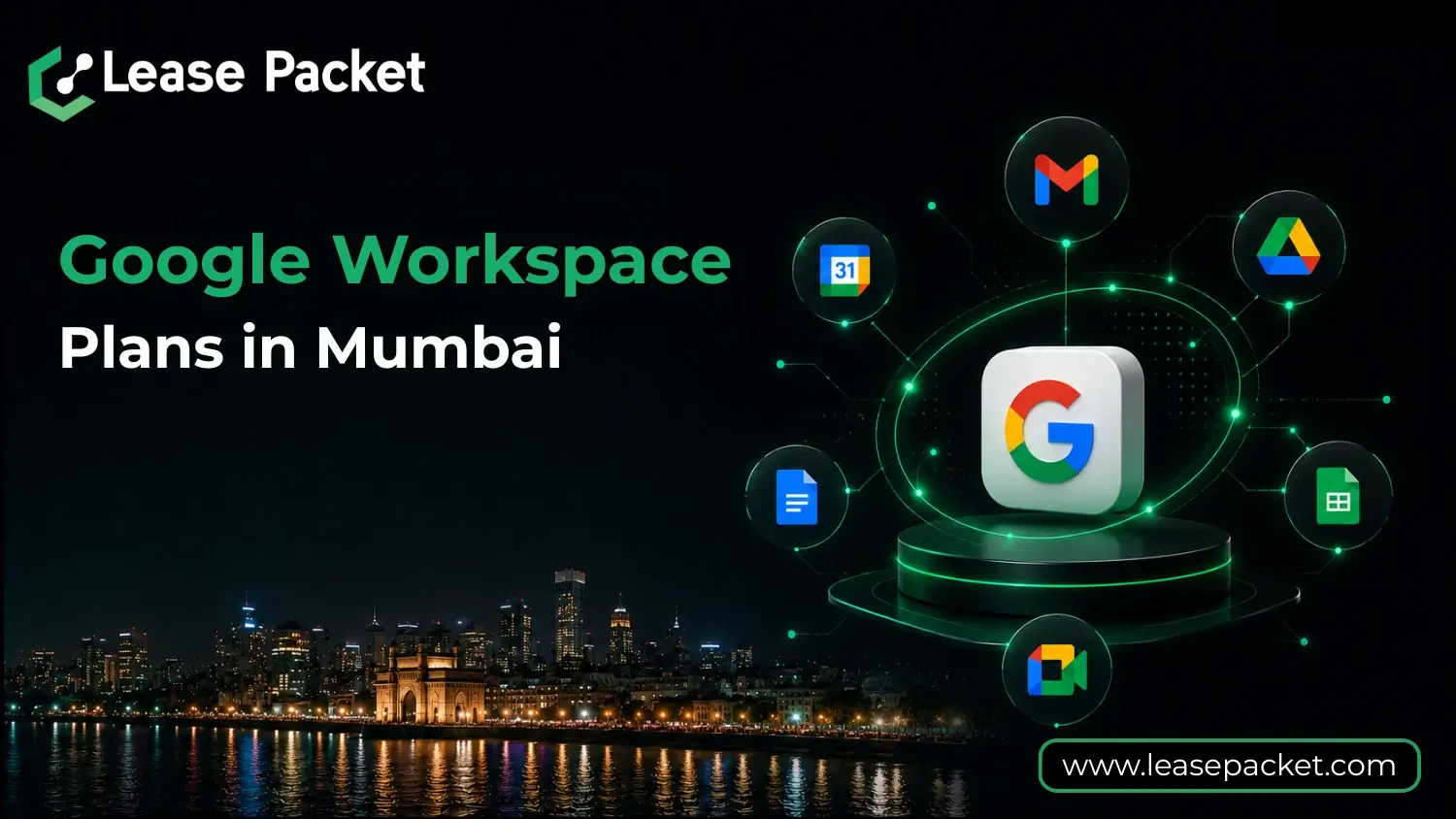
Mumbai, the financial and technological hub of India, is home to a diverse range of businesses—from startups to large enterprises. Choosing the right Google Workspace plan is crucial for enhancing productivity, collaboration, and security. This guide delves into the various Google Workspace plans available in Mumbai, helping you make an informed decision.
Table of Contents
What Is Google Workspace?
Google Workspace is a suite of cloud-based productivity and collaboration tools developed by Google. It integrates applications like Gmail, Google Drive, Docs, Sheets, Slides, Meet, and Chat into a unified platform. Designed for both individuals and organizations, it facilitates seamless communication, real-time collaboration, and secure data management.
Overview of Google Workspace Plans in Mumbai
Google Workspace offers several plans tailored to meet the needs of different organizations. Here’s a breakdown of the available plans in Mumbai:
1. Business Starter
Storage: 30 GB pooled storage per user
Key Features:
- Custom and secure business email
- 100-participant video meetings
- Security and management controls
- Standard support
Ideal For: Small businesses and startups requiring essential collaboration tools
2. Business Standard
Storage: 2 TB pooled storage per user
Key Features:
- All features of Business Starter
- 150-participant video meetings with recording
- Smart search capabilities
- Enhanced collaboration tools
Ideal For: Growing businesses needing more storage and advanced features
3. Business Plus
Storage: 5 TB pooled storage per user
Key Features:
- All features of Business Standard
- 500-participant video meetings with recording and attendance tracking
- Google Vault for eDiscovery and retention
- Advanced security and management controls
Ideal For: Medium to large businesses requiring robust security and compliance features
4. Enterprise Plans
Storage: Unlimited pooled storage per user
Key Features:
- All features of Business Plus
- Enterprise-level security and admin controls
- Advanced endpoint management
- Customizable features based on organizational needs
Ideal For: Large enterprises with complex requirements and a need for scalability
Factors to Consider When Choosing a Plan in Mumbai
1. Team Size and Growth
Assess the current size of your team and potential growth. Smaller teams may find the Business Starter plan sufficient, while expanding teams might require the additional features offered by Business Standard or Business Plus.
2. Storage Requirements
Evaluate your organization’s storage needs. If your team handles large files or requires extensive data storage, opting for Business Plus or Enterprise plans with higher storage capacities would be beneficial.
3. Security and Compliance
For businesses dealing with sensitive information, advanced security features like Google Vault and enhanced endpoint management in Business Plus and Enterprise plans provide added protection and compliance capabilities.
4. Budget Constraints
Consider your organization’s budget. While higher-tier plans offer more features, they come at a higher cost. Ensure that the plan you choose aligns with your financial resources.
Benefits of Google Workspace for Businesses in Mumbai
Google Workspace is not just a collection of apps—it is a complete productivity ecosystem. For businesses in Mumbai, it offers several key advantages:
1. Seamless Collaboration Across Teams
Teams can work on the same document, spreadsheet, or presentation simultaneously. Changes are reflected in real-time, reducing errors and eliminating version conflicts. Features like Google Meet and Chat make instant communication easy, even for remote teams in different parts of Mumbai or India.
2. Centralized Cloud Storage
All business files are securely stored in Google Drive, eliminating the need for physical storage or multiple third-party apps. Users can access documents from any device—desktop, laptop, or mobile. Cloud storage also ensures that data is backed up and recoverable in case of accidental deletion or device failure.
3. Enhanced Security and Compliance
Google Workspace offers enterprise-level security features such as encryption, two-factor authentication, endpoint management, and Vault for eDiscovery. These features ensure sensitive business data, client information, and emails are protected, helping companies comply with data privacy regulations.
4. Flexibility and Remote Work Support
Mumbai businesses often require teams to work across multiple locations, including home offices or client sites. Google Workspace enables secure access to emails, files, and meetings from anywhere, making hybrid work seamless. Employees can collaborate effectively without being tied to a single location.
5. Integrated Ecosystem of Tools
With Gmail, Drive, Docs, Sheets, Slides, Meet, and Chat all in one place, teams spend less time switching between apps. Integration with third-party tools like CRM software, project management tools, and analytics platforms enhances productivity and simplifies workflows.
6. Cost Efficiency
Instead of paying for multiple software subscriptions, Google Workspace bundles all essential tools in one platform. Businesses can reduce IT costs, simplify management, and avoid additional infrastructure expenses.
7. Scalability for Growing Businesses
As your company expands, Google Workspace allows easy upgrades to higher plans like Business Plus or Enterprise. You can add users, increase storage, and enable advanced security features without disruption.
8. Improved Team Productivity and Accountability
With features like task assignment, shared calendars, and project management integration, teams stay organized and accountable. Managers can track progress, and employees can prioritize tasks efficiently.
9. Local Support and Adaptability for Mumbai Businesses
Google Workspace provides support and resources that are relevant to Indian businesses. Whether you’re a startup in Bandra or a large enterprise in Andheri, Google Workspace can adapt to your workflows and business environment.
How to Subscribe to Google Workspace in Mumbai
Subscribing to Google Workspace in Mumbai is simple and can be done entirely online. Here’s a detailed step-by-step guide:
Step 1: Visit the Lease Packet Website
Go to the Lease Packet Google workspace Pricing Page. Explore the different plans and features to understand which one aligns with your business needs.
Step 2: Choose the Right Plan
Select a plan based on your team size, storage needs, and security requirements. Mumbai startups often start with Business Starter, while medium and large enterprises may prefer Business Plus or Enterprise.
Step 3: Sign Up and Create an Account
Click the ‘Get Started’ button to create your Google Workspace account. You will need to provide basic information, including your business name and number of employees.
Step 4: Set Up Your Domain
If you have an existing domain, you can link it to your Google Workspace account. If you don’t, you can purchase a new domain through Google Workspace during the signup process. This allows your employees to use custom business emails (e.g., yourname@yourcompany.com).
Step 5: Configure Users and Admin Roles
Add your team members by creating user accounts. Assign admin roles to individuals responsible for managing accounts, security, and access permissions. This ensures proper management and accountability within the organization.
Step 6: Data Migration
If you are moving from another platform, migrate your existing emails, files, and calendars to Google Workspace. Google provides tools and support to make this process seamless and secure.
Step 7: Enable Security Features
Set up essential security measures like two-factor authentication, endpoint management, and data loss prevention. These features protect your business information from unauthorized access.
Step 8: Team Training and Onboarding
Educate your employees about Google Workspace tools. Provide training sessions or resources to ensure everyone understands how to use Gmail, Drive, Docs, Sheets, and Meet effectively.
Step 9: Regular Monitoring and Optimization
Monitor usage, storage, and security settings regularly. Optimize workflows, assign permissions carefully, and make sure your plan continues to meet the evolving needs of your business.
Step 10: Payment and Billing
Complete the subscription by entering payment details. Google Workspace offers monthly and annual billing options. Keep track of billing cycles to ensure uninterrupted service.
Conclusion
Selecting the appropriate Google Workspace plan in Mumbai is pivotal for enhancing your organization’s productivity and collaboration. By evaluating factors like team size, storage needs, security requirements, and budget, you can choose a plan that aligns with your business objectives. Whether you’re a small startup or a large enterprise, Google Workspace offers tailored solutions to meet your unique needs.
FAQs
What is the cost of Google Workspace plans in Mumbai?
The pricing varies based on the plan selected. For instance, the Business Starter plan is priced at ₹160.65 per user per month, while the Business Standard plan costs ₹864 per user per month.
Can I upgrade my Google Workspace plan later?
Yes, Google Workspace allows you to upgrade your plan at any time to accommodate your organization’s growing needs.
Is there a free trial available for Google Workspace?
Yes, Google offers a 14-day free trial for all its Workspace plans, allowing you to explore the features before making a commitment.
Can I use my existing domain with Google Workspace?
Absolutely. You can link your existing domain to Google Workspace during the setup process.
Does Google Workspace support mobile devices?
Yes, Google Workspace applications are compatible with both Android and iOS devices, ensuring you can work on the go.