USD ($)
 INR (₹)
 SAR (SAR)
 AED (AED)

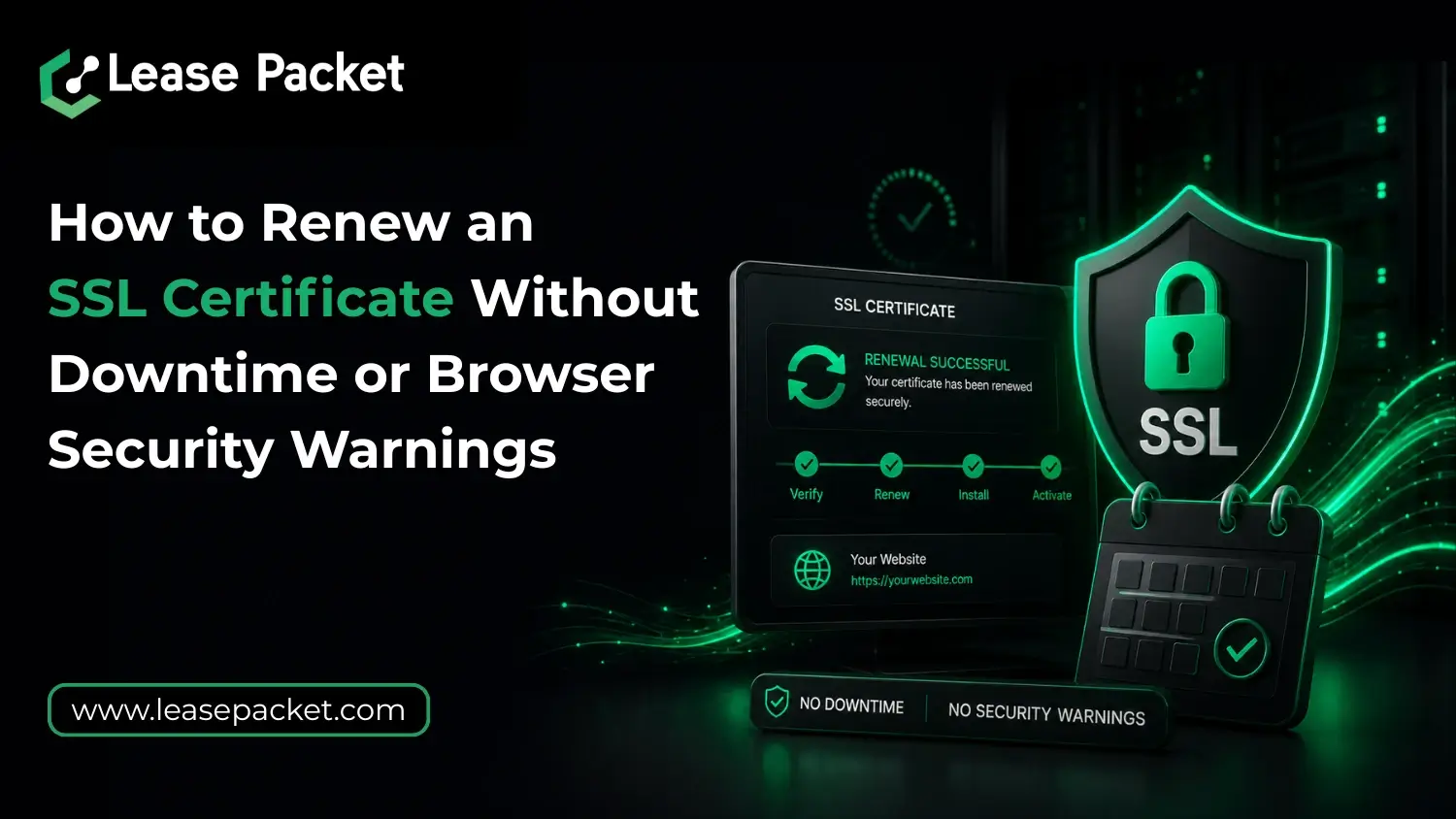
Today, you can’t ignore your site security if you want to stay relevant in your business space. Plus, customers’ expectations have gone higher. Browsers have also become very smart – they instantly warn visitors if they suspect any problem, especially SSL-related. The main problem with SSL certificates is when they are nearing expiration. Administrators often forget to renew the SSL. A delayed renewal can trigger browser security warnings and damage customer trust. The good news is that renewing an SSL certificate does not have to cause the worst of all – downtime. With the right process, you can replace an expiring certificate while keeping your website available and secure throughout the transition. We will tell you how to renew SSL certificate without any security issues. So, let’s begin!
Table of Contents
Why SSL Certificate Renewal Matters More Than You Think
SSL certificates encrypt data exchanged between users and your website. They also verify that visitors are connecting to the legitimate version of your domain. Right? So, when an SSL certificate expires, browsers immediately alert visitors with security warnings. And, as you know, in most cases, if users doubt the platform, they just leave. In the bigger picture, expired certificates can also lead to:
- Lost customer confidence because visitors see security warnings before reaching the website.
- Interrupted e-commerce sales when customers abandon their carts during checkout.
- Reduced business credibility, particularly for companies handling sensitive information.
- Potential SEO issues when search engines detect security-related problems.
Start the SSL Renewal Process Before the Expiry Date
One of the biggest mistakes people make is waiting until the final day to renew SSL certificate. No, you can’t do that. Modern SSL certificates typically have shorter validity periods than before, making timely renewals even more important. Starting the renewal process several weeks before expiration provides enough time to validate the certificate, test the installation, and resolve any unexpected issues. A planned SSL renewal also prevents situations where an expired certificate goes unnoticed during holidays or outside business hours.
Generate & Validate the New Certificate Correctly
Before replacing the existing SSL certificate, ensure the new certificate has been issued successfully and matches the correct domain configuration. If your website uses:
- A single domain SSL certificate – verify that the exact domain name is covered.
- A Wildcard SSL certificate – please confirm that all required subdomains remain protected.
- A Multi-Domain SSL certificate – you must review every domain included in the certificate before installation.
Certificate validation should always be completed before making changes on the production server. This minimizes the risk of configuration errors that could trigger browser warnings.
Install the New SSL Certificate Before Removing the Existing One
The safest approach is to install the renewed SSL certificate while the current certificate is still active. Most modern web servers allow administrators to prepare and configure the new certificate without immediately disrupting live traffic. Once everything is ready, the server can switch to the renewed certificate during a planned maintenance window or during a low-traffic period. This approach helps avoid service interruptions because the website never operates without a valid certificate. Proper installation should include:
- Uploading the renewed certificate files to the server.
- Installing any required intermediate certificates.
- Verifying private key compatibility.
- Restarting only the necessary services when required.
Test the SSL Configuration Immediately After Installation
You know what? Many browser security warnings occur because the certificate was installed incorrectly rather than because the certificate itself is invalid. After deployment, you must test the website from multiple devices and browsers. Confirm that HTTPS loads correctly and that no security warnings appear. Pay attention to:
- Certificate validity dates and expiration information.
- Domain name matching.
- HTTPS redirection behavior.
- Secure checkout and login pages.
- API endpoints and third-party integrations.
A quick validation process can identify issues before customers encounter them. This is the right and smart approach to renew SSL certificate.
Monitor for Mixed Content & Hidden Security Problems
Even after a successful SSL renewal, some websites continue displaying warnings because of mixed content issues. Now, what is mixed content? So, it happens when a secure HTTPS page loads resources through unsecured HTTP connections. This may include images, scripts, stylesheets, or embedded content. During SSL renewal, review website resources carefully and make sure all content loads through secure HTTPS connections. This helps maintain a fully secure browsing experience and prevents confusing browser alerts.
Consider Managed SSL Services for Simpler Renewals
As websites become more complex, many businesses prefer managed SSL services that handle certificate monitoring, renewals, installation, and validation assistance. Managed SSL solutions reduce the risk of missed expiration dates and help ensure that certificates remain properly configured throughout their lifecycle. If you are managing multiple websites or customer-facing applications, professional SSL management can save significant time while reducing operational risk. Lease Packet offers top-grade A-to-Z SSL solutions and services.
Bottom Line
In very simple words, renewing an SSL certificate without downtime is largely a matter of preparation. By starting early, you can avoid browser security warnings and maintain uninterrupted service. A reliable SSL renewal process helps protect customer trust, supports secure online transactions, and keeps websites operating smoothly throughout the year. Lease Packet offers all kinds of SSL certificates and renewal support – connect for quotes and queries. Offers available!
FAQs
How early should I renew my SSL certificate?
Most businesses should begin the renewal process at least 30 days before the certificate expires to allow sufficient time for validation and testing.
Will renewing an SSL certificate affect my website’s SEO?
No, if everything is done right. When completed correctly, SSL renewal has no negative impact on SEO and helps maintain the secure browsing experience search engines expect.
Can an SSL certificate be renewed without website downtime?
Yeah. By installing and testing the renewed certificate before the existing one expires, websites can continue operating without interruption.
Can I hire a professional SSL provider for SSL renewal?
Of course, professional SSL providers like Lease Packet offer SSL renewal support, installation, and validation assistance. Basically, everything.