USD ($)
 INR (₹)
 SAR (SAR)
 AED (AED)

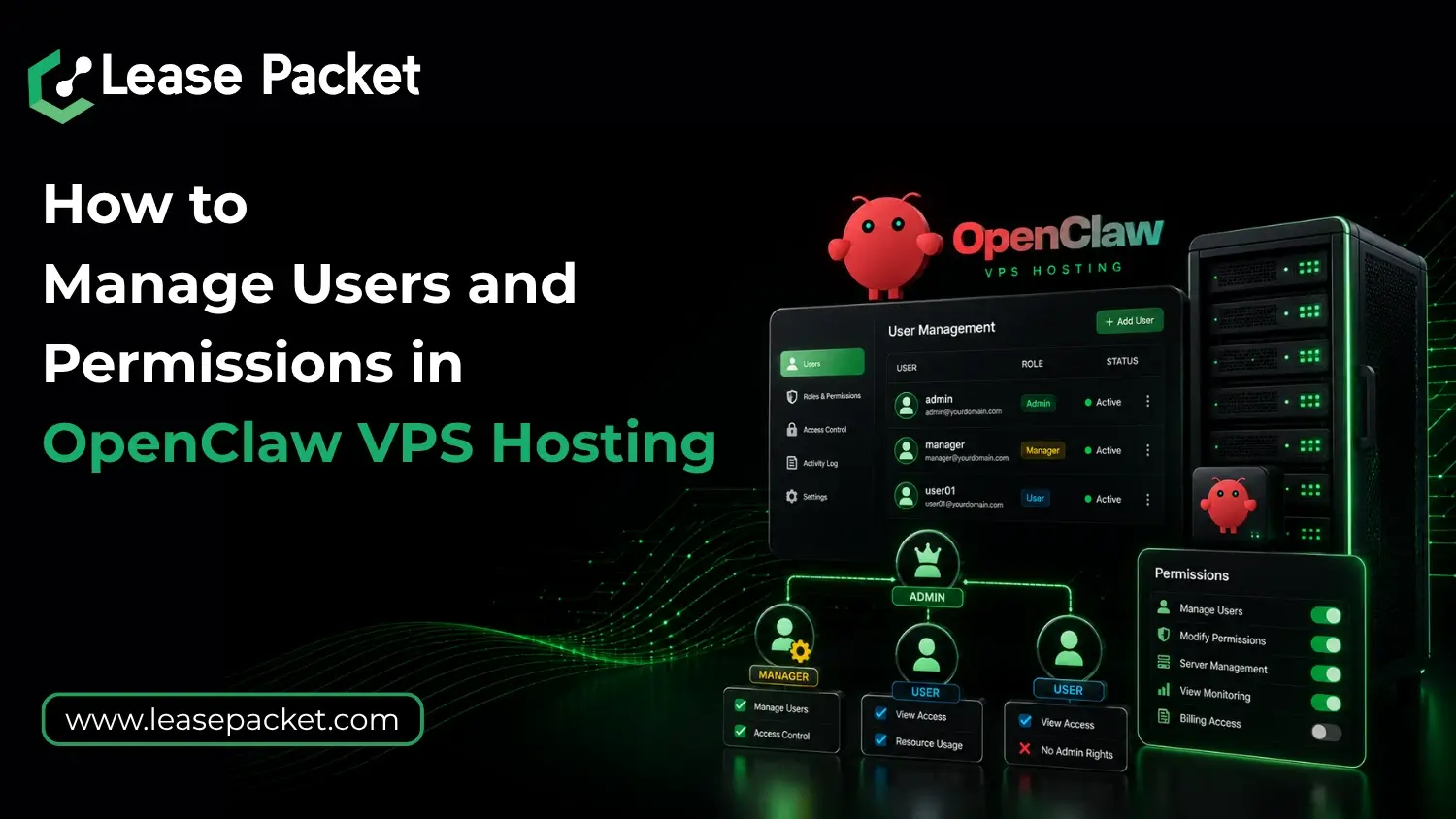
Did you know? Managing users and permissions correctly is one of the most important parts of securing an OpenClaw VPS environment. Without it, things are vulnerable. As more businesses use OpenClaw for AI automation now, poor access control has become one of the leading causes of security breaches. Many administrators still make the mistake of giving full root access to everyone. This creates unnecessary risks because even a small configuration mistake can affect the entire VPS environment. A properly managed permission structure helps businesses maintain security and improve operational control by preventing unauthorized changes. Let’s learn more about how to manage users and permissions in OpenClaw VPS hosting.
Table of Contents
How to Manage Users & Permissions in OpenClaw VPS Hosting
Start by Disabling Shared Root Access
One of the first security improvements for OpenClaw VPS hosting is avoiding shared root credentials. Instead of allowing multiple users to log in as root:
- Create separate user accounts for each administrator or developer working on the VPS so actions remain traceable through logs and audit systems
- Use sudo privileges selectively only for users who genuinely require elevated permissions during deployments or maintenance tasks
- Restrict direct root SSH access completely, and force administrators to authenticate through individual user accounts before escalating privileges
- Implement SSH key authentication instead of password-based access to reduce brute-force attack exposure on public-facing VPS environments
This approach improves accountability while reducing the attack surface significantly.
Organize Users into Groups for Better Permission Control
Linux-based OpenClaw VPS hosting environments work best when permissions are assigned through groups rather than configuring every user individually. For example:
Developer Group
A developer group may receive access to:
- Application directories
- Deployment scripts
- Container management
- Limited service restart permissions
- Monitoring Group
A monitoring team may only require:
- Read-only log access
- Server health visibility
- Performance metrics
- Backup status monitoring
- Automation Group
Automation services should only access:
- Required APIs
- Task execution folders
- Temporary processing directories
- Restricted service permissions
This structure keeps access cleaner and easier to scale as teams grow.
Set Proper File & Directory Permissions
Incorrect file permissions – this is another one of the most common OpenClaw VPS security issues. Administrators should avoid giving full read-write-execute access to all users because this increases risks of:
- Accidental file deletion
- Unauthorized script modification
- Credential exposure
- Malware injection into automation workflows
Instead, configure permissions carefully using principles such as:
- Restrict sensitive configuration files to administrators only while allowing applications limited operational access where necessary
- Separate project directories between teams so unrelated users cannot modify deployment environments outside their responsibilities
- Protect SSH keys, API credentials, and environment variables using strict ownership and limited permission levels
- Apply least-privilege access policies so every user receives only the minimum access required for their tasks
This becomes super important for AI-powered automation environments where background services run continuously.
Use Access Logging & Activity Monitoring
VPS security no longer depends only on blocking attackers. Monitoring user activity is equally important. OpenClaw VPS administrators should monitor:
- SSH login attempts
- Failed authentication events
- Sudo command usage
- File modification activity
- API access logs
- Unusual process execution patterns
Long-term log retention also helps businesses investigate incidents more effectively if suspicious activity occurs later. Managed infrastructure solutions from Lease Packet often help businesses simplify monitoring and server management through centralized hosting support.
Enable Two-Factor Authentication for VPS Access
Even strong passwords are not enough for production VPS security. Two-factor authentication adds another protection layer by requiring temporary verification codes during login attempts. This helps protect OpenClaw servers against:
- Credential leaks
- Password reuse attacks
- Brute-force login attempts
- Remote unauthorized access
For businesses managing multiple administrators or remote teams, 2FA has become a standard VPS security requirement. Even your Google & WhatsApp accounts have it – this thing is way bigger.
Separate Production & Testing Environments
A common mistake in OpenClaw hosting is running development and production workloads together on the same VPS environment. This increases risks because testing scripts or unstable plugins may accidentally affect live systems. So, better:
- Keep production AI workloads isolated from development environments to prevent unstable code from affecting customer-facing services
- Use separate user accounts and permission structures for staging systems so deployment testing remains controlled and traceable
- Limit automation tool access differently between live and testing environments to reduce accidental privilege escalation risks
This separation improves both performance stability and operational security.
Why User & Permission Management is So Important in OpenClaw
OpenClaw environments often involve multiple users working together across different workflows. This may include:
- Developers managing AI agents and automation scripts while requiring access only to project-specific directories instead of full server administration privileges
- Remote teams handling monitoring, deployments, and debugging tasks without needing unrestricted control over sensitive VPS configurations
- API integrations and automation bots running continuously in the background with controlled execution permissions to reduce abuse risks
- Business administrators accessing dashboards, logs, or reporting systems while remaining isolated from backend system files and security settings
Without structured permission control, a compromised account or accidental command can affect the entire hosting environment very quickly. This is why businesses deploying OpenClaw workloads through Lease Packet are increasingly focusing on role-based VPS security and controlled access management.
Bottom Line
Managing users and permissions properly is one of the most effective ways to secure OpenClaw VPS hosting. AI-driven environments now involve multiple users and continuous background processes, making access control more important than ever. You should focus on the security points above. Moreover, with properly managed VPS infrastructure from Lease Packet, you can maintain stronger security while supporting scalable OpenClaw deployments. Connect with Lease Packet experts today for quotes & queries! Offers available!!
FAQs
Why should root access be restricted on OpenClaw VPS?
Restricting root access reduces security risks and improves accountability by ensuring users only access the resources necessary for their work.
What is the best permission strategy for OpenClaw hosting?
The least-privilege model is considered best practice because it limits user access to only what is required for their tasks.
Does Lease Packet support secure OpenClaw VPS hosting?
Of course. Lease Packet provides VPS hosting solutions suitable for OpenClaw deployments with scalable infrastructure and security-focused server environments.