 USD ($)
 INR (₹)
 SAR (SAR)
 AED (AED)

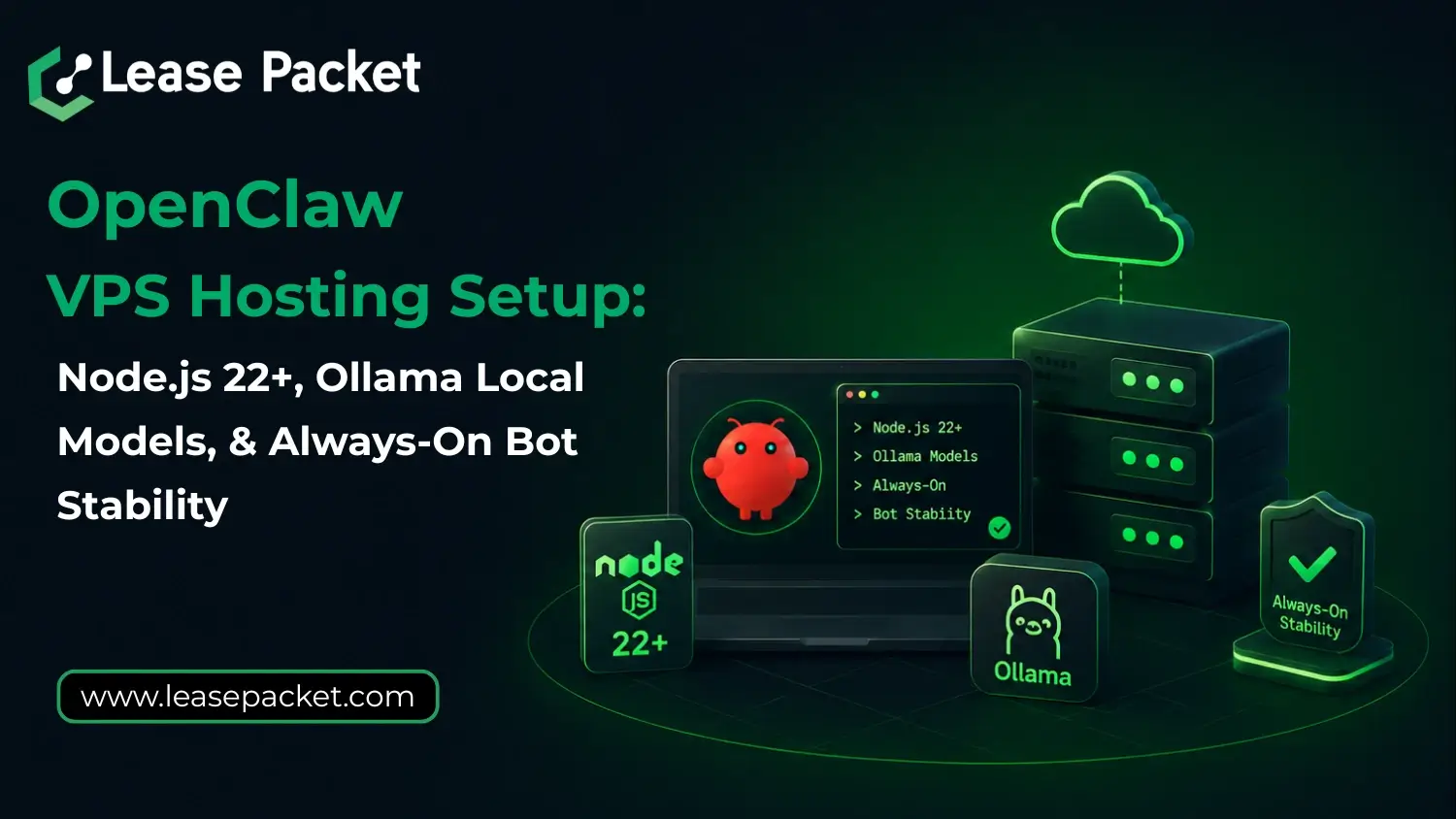
OpenClaw (previously known as Moltbot and Clawdbot) depends heavily on a modern Node.js runtime (22+), stable session control, and an environment that doesn’t randomly break under load. Many installation problems stem from unstable OS behavior, which is why native Windows PowerShell often leads to crashes, dependency failures, or WebSocket disconnects. The smarter setup is using WSL2 on Windows, or even better, running OpenClaw inside Docker or a dedicated VPS for clean isolation. And once you pair it with Ollama for local AI models, you eliminate API costs completely while unlocking long-context models like llama3.3 or qwen2.5-coder, which OpenClaw needs for real multi-step automation. So, yes, if you want OpenClaw hosting that stays online with PM2 and can be debugged properly using the openclaw doctor command, the setup must be treated like real infrastructure and not like a quick installation. Let’s learn more about OpenClaw VPS hosting setup.
OpenClaw Requires Node.js 22+ (This is Not Optional)
The first thing you need to understand is that OpenClaw is built for the latest Node environment. Of course, many people try running it on older Node versions because other bots allow it, but OpenClaw doesn’t. It relies on newer runtime features and modern dependency behavior. So yes, your server must have:
- Node.js 22 or higher
- Clean package resolution
- Proper long-running support
And if you are using OpenClaw VPS hosting from Lease Packet, Node.js 22+ is already handled for you, which removes one of the biggest setup blockers immediately.
Windows Users: Avoid Native PowerShell Installs
This is something most guides don’t explain clearly enough. OpenClaw is not unstable – Windows PowerShell is. Native Windows setups often cause:
- Random dependency install failures
- Broken session persistence
- WebSocket drops
- Unreliable process uptime
That’s why the recommended approach is to use WSL2 instead. WSL2 gives you a Linux-grade environment while staying on Windows, which makes OpenClaw behave the way it’s supposed to. Remember, if you want fewer crashes and smoother installs, WSL2 is the baseline.
Why Docker or a VPS is the Best Way to Run OpenClaw
Once you realize OpenClaw is basically an automation runtime, isolation becomes necessary. Running it directly on your main machine creates problems:
- Conflicting packages
- Unstable local environments
- No uptime guarantee
- No clean restart behavior
So the best practice is:
- Docker for controlled environments
- A Virtual Machine or VPS for real production hosting
This is exactly why Lease Packet OpenClaw Hosting is the smarter choice if you actually want stability rather than constant troubleshooting.
Ollama: The Best Way to Run OpenClaw Without API Keys
Now let’s talk about the most valuable part of a modern OpenClaw setup. You should run OpenClaw with local models, not paid APIs. And that’s what Ollama solves. You don’t need to spend money every month on external AI calls – Ollama lets you run models directly on your VPS. The only command that matters here is the install:
curl -fsSL https://ollama.com/install.sh | sh
Once installed, OpenClaw can connect locally with no API billing, no rate limits, and no external dependency. That’s a massive advantage for anyone running long-term automation.
Model Recommendations: Use 64K+ Context Models Only
OpenClaw performs best when the model can actually “hold” large workflows in memory. It means long context is not a bonus – it’s required. Recommended models right now include:
- llama3.3 (excellent reasoning + large context)
- qwen2.5-coder (strong automation and coding support)
These models provide:
- 64k+ context handling
- Better multi-step execution
- More reliable agent memory
Smaller models break down quickly when OpenClaw starts doing real work.
Keep OpenClaw Running 24*7 With PM2
One of the biggest mistakes people make is running OpenClaw in a terminal and assuming it will stay alive. No! Production bots need process managers. That’s why PM2 is essential. The only key step you need is starting OpenClaw with PM2:
pm2 start index.js --name openclaw
Once that’s done, OpenClaw can restart automatically after crashes or reboots. Lease Packet VPS setups often include PM2-ready configurations so your bot stays online continuously.
Diagnostics: Use the openclaw doctor Command
When something feels off, don’t guess. OpenClaw includes a built-in diagnostic tool:
openclaw doctor
This helps detect:
- Environment issues
- Missing dependencies
- Model connectivity failures
- Session-level instability
It’s the fastest way to troubleshoot without wasting hours.
Why Lease Packet is Ideal for OpenClaw VPS Hosting
Hope it’s clear by now that installing OpenClaw isn’t the same as installing a bot. It’s a bigger deal. It’s about hosting infrastructure:
- Node.js 22+ compatibility
- Stable Linux runtime
- Ollama local model support
- Long-context AI readiness
- PM2 uptime stability
- Doctor-based diagnostics
Lease Packet offers the best infrastructure you need for OpenClaw. A bigger automation system deserves serious hosting. So, get OpenClaw VPS hosting from Lease Packet for your own fully automated AI agent platform.
Bottom Line
So, the bottom line is, if you want OpenClaw running the way it’s actually meant to run – stable Node.js 22+ support, local Ollama models with zero API costs, long-context performance, and nonstop uptime with PM2 – then get the right hosting. Because it matters more than anything else. Lease Packet gives you OpenClaw VPS hosting built for exactly these requirements, so you can skip the setup hassle and leverage real automation. Connect today with Lease Packet experts for queries and quotes about OpenClaw infrastructure deployment. Custom plans and offers available!
FAQs
Is Moltbot different from OpenClaw?
No. Moltbota was the earlier name, and OpenClaw is the latest branding.
What Node version does OpenClaw require?
OpenClaw requires Node.js 22 or higher.
Should I run OpenClaw on Windows directly?
Not recommended. WSL2 is much more stable than native PowerShell.
Why use Ollama with OpenClaw?
Ollama removes API costs and allows fully local AI model execution.
How do I keep OpenClaw running continuously?
Use PM2 so the bot stays online even after crashes or reboots.